An alternative to NoSQL Workbench for everyday DynamoDB work
NoSQL Workbench for DynamoDB is the desktop tool from AWS for designing data models and building operations. DynamoOps is a free desktop client that focuses on what comes after the design: reading and changing real data quickly, across accounts and environments.
macOS and Windows · No account required
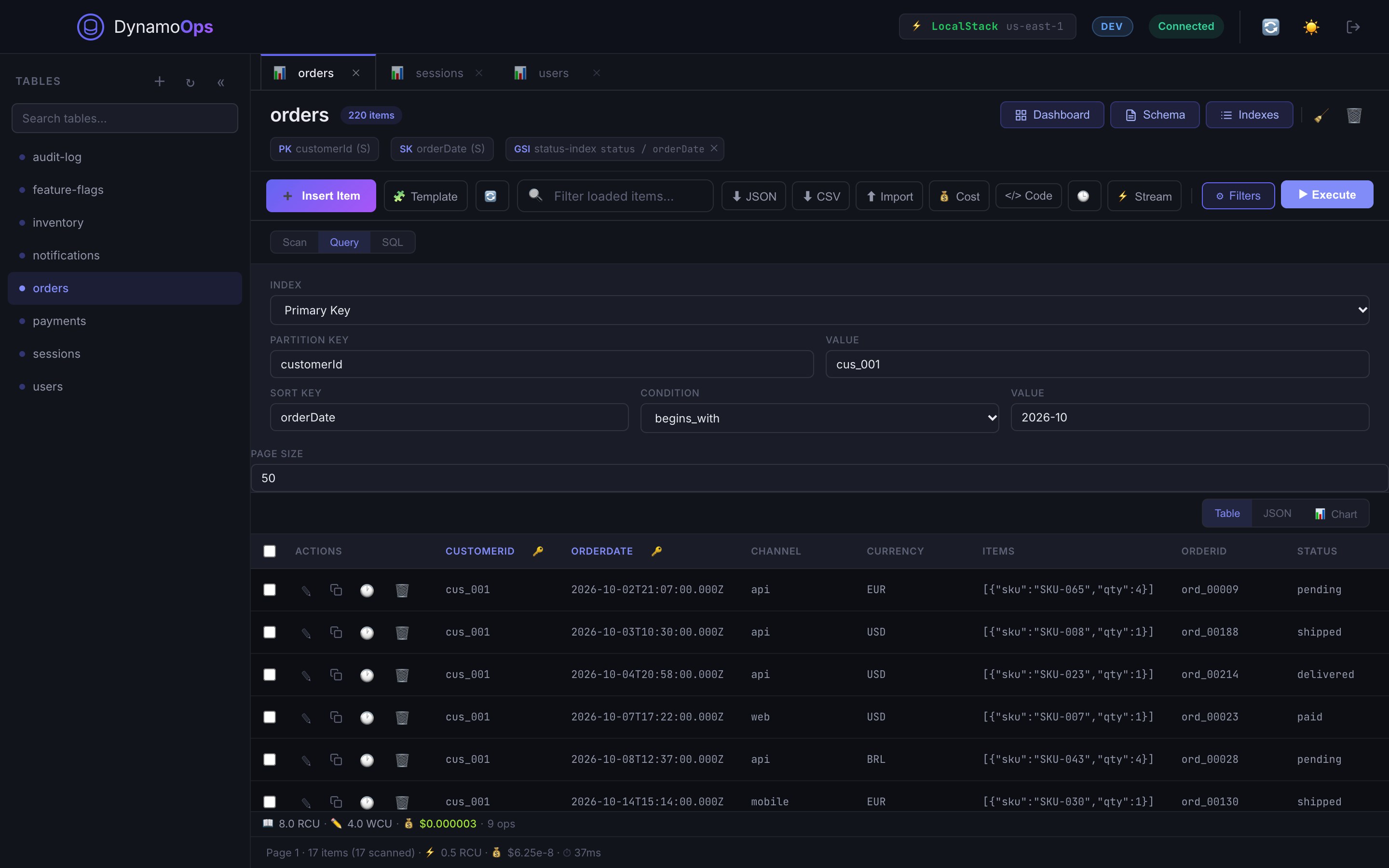
Different tools for different jobs
| DynamoOps | NoSQL Workbench | |
|---|---|---|
| Main purpose | Querying and editing live data | Designing data models and building operations |
| Data modeler with sample data | No | Yes |
| Query live tables | Yes | Yes, in the operation builder |
| Sample code for operations | Yes | Yes |
| DynamoDB local | Connects to one you run | Included in the installation |
| Platforms | macOS, Windows | macOS, Windows, Linux |
If you are designing a single-table model and want to validate access patterns against sample data before any code exists, NoSQL Workbench is the right tool, and the two work well side by side.
Source: NoSQL Workbench for DynamoDB (AWS documentation). Checked in November 2026.
What DynamoOps focuses on
- Open several tables in tabs, each with its own account, role and region.
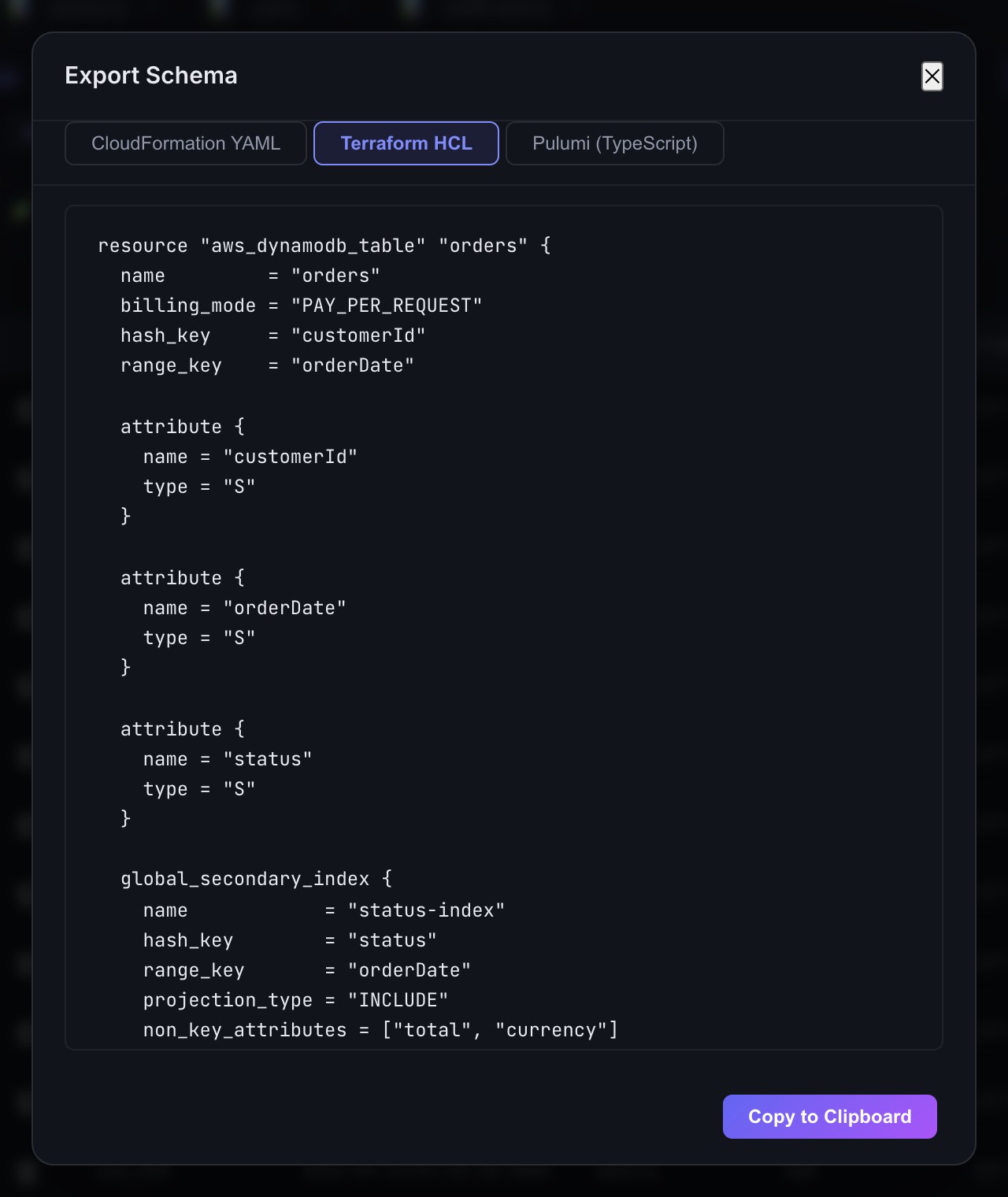
- Double-click a cell to change a value. No form, no JSON round trip.
- Write PartiQL with autocomplete and reuse statements from the query history.
- See what a Scan or Query cost as soon as it returns.
- Bulk delete, truncate, import and export without scripts.
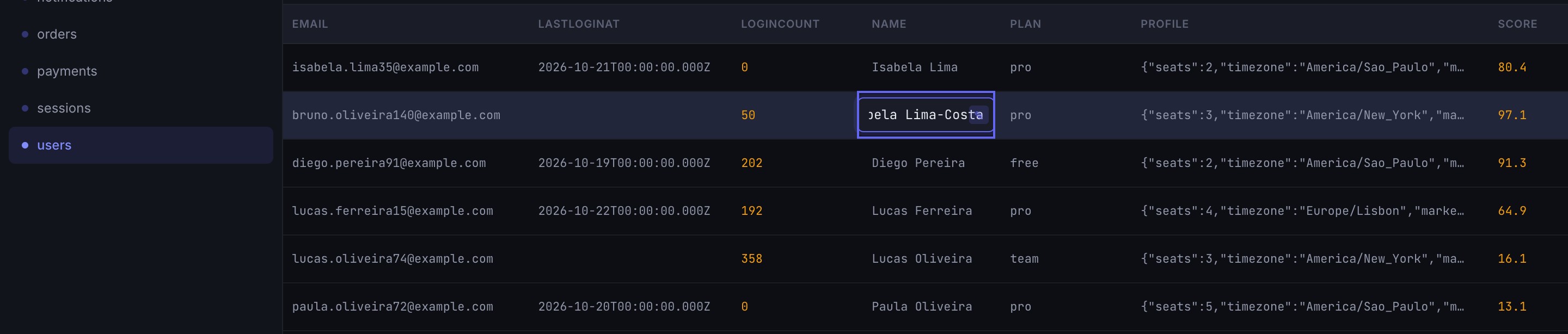
From table to infrastructure and code
DynamoOps can export an existing table as CloudFormation, Terraform or Pulumi, and generate a data-access project (entities, repositories and services) in TypeScript, Python, Java, C#, Go, Ruby or PHP from the live schema.
Frequently asked questions
Is DynamoOps a replacement for NoSQL Workbench?
For browsing, querying and editing data, yes. For visual data modeling, no: DynamoOps does not include a data modeler, and NoSQL Workbench remains the tool for that.
Can both tools use the same AWS profiles?
Yes. DynamoOps reads the profiles from your AWS CLI configuration, so the profiles you already use work without extra setup.
Does DynamoOps work with DynamoDB Local?
Yes. Use the custom endpoint connection with http://localhost:8000, or http://localhost:4566 for LocalStack.
Try DynamoOps
Free, with every feature included and the source code on GitHub.
Download for macOS or WindowsKeep reading
Product names mentioned on this page (NoSQL Workbench, Amazon DynamoDB, AWS) are trademarks of their respective owners. DynamoOps is an independent project and is not affiliated with, endorsed by or sponsored by them. Comparisons are based on publicly available information on the dates shown and may be out of date. If something here is inaccurate, open an issue and it will be corrected.